You Don't Need After Effects Templates to Make a Vinyl Release Video
Your sleeve slides into frame, the record slides out of it and starts spinning, with dust drifting across the screen.
The record-coming-out-of-the-sleeve shot is a classic for release posts, and plenty of vinyl mockup packs for After Effects promise it. In practice you replace the sleeve art, then the label art, adjust the shadow, check that the disc lines up with the sleeve edge, and render.
If you are pressing vinyl, or just want your digital release to look like a record, that setup is more work than the post deserves. You need one convincing movement: sleeve in, record out, music playing.
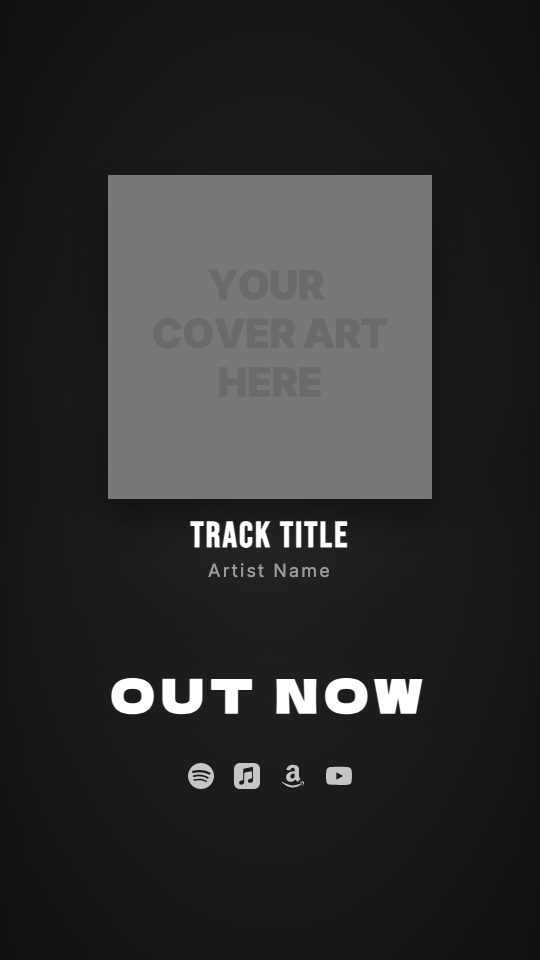
The Vinyl Release look in visuale does exactly that from your cover file. The sleeve slides in from the side, a spinning record slides out next to it, the background slowly scales, and a layer of floating dust sits over the whole video.
No After Effects, no plugins, no download.
After Effects template vs visuale
| After Effects template | visuale | |
|---|---|---|
| Sleeve and record art | Replace art in separate precomps | One cover upload handles the sleeve |
| Record sliding out | Built into the mockup, tweaked by keyframes | Happens automatically after the sleeve enters |
| Dust texture | Find stock footage and set a blend mode | Dust overlay included, opacity adjustable |
| Skills needed | Layer management and render settings | None beyond uploading files |
| Rendering | Local render, length depends on your machine | Rendered in the cloud |
| Format | Often a 16:9 mockup you must reframe | Vertical 1080 × 1920 from the start |
What the Vinyl Release Video looks like
Sleeve plus record
Your cover is shown as a square sleeve, and a vinyl record slides out from behind it and spins beside it.
Sideways entrance
The sleeve moves in from the side of the frame rather than popping up, which gives the shot the feel of pulling a record off a shelf.
Blurred headline reveal
OUT NOW comes into focus from a blur, a softer entrance that does not compete with the record.
Floating dust and slow zoom
A dust particle overlay at 70% opacity drifts over the video while the background scales up gently across the 15 seconds.
At a glance
- Format
- 9:16 · 1080 × 1920 px
- Best for
- Stories, Reels, TikTok
- Length
- 15 seconds
- Also available in
- Vertical only
- You need
- Cover art + audio (MP3, WAV, M4A or AAC)
- Software
- Your browser. No After Effects, no plugins
How to make a Vinyl Release Video without After Effects
- 1
Start from Vinyl Release
Open the look from this page. The editor loads with the sleeve-and-record mode, the side entrance, the blur headline and the dust overlay.
- 2
Upload your cover art
Add the square artwork. It becomes the sleeve, and the preview shows the record sliding out of it.
- 3
Add the track and trim
Upload the song and choose the 15 seconds to use. A slower intro or a chorus both work well with this unhurried look.
- 4
Set platforms, then export
Pick the streaming icons to show, adjust the dust if you want less of it, and export a vertical MP4 rendered in the cloud.
When to use it
Vinyl pressings and preorders
Announce a pressing or a preorder with a video that shows the record leaving its sleeve.
Digital singles with an analog feel
Give a streaming-only release the look of a physical record without paying for a mockup.
Record Store Day posts
Make a quick vertical clip for a special release and post it on the day.
FAQ
Is there a free vinyl After Effects template?
Free vinyl mockups for After Effects exist, but you need the software, a subscription and time to replace the art. visuale does the sleeve and record from your cover in the browser.
Can I customise the vinyl look?
Yes. You can change the cover animation, the headline animation, the fonts, the background, or turn the dust overlay down or off.
Can I show only the record without the sleeve?
Yes. Switch the cover mode to Vinyl and your artwork is placed on the record label instead. The Spinning Vinyl look starts from that setup.
What size is the vinyl release video?
Vertical 9:16, 1080 × 1920 pixels, 30 fps and 15 seconds, for Reels, TikTok, YouTube Shorts and Stories.
Which audio files can I use?
MP3, WAV, M4A and AAC. You pick which 15 seconds of the track play in the video.
Skip the template download
Drop your cover, add your track and export your Vinyl Release Video in about two minutes.
Make your Vinyl Release Video